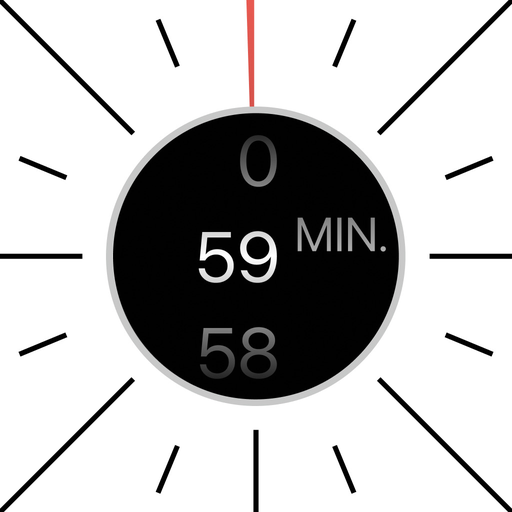
 59 min
Visual timer for iPhone
Turn your phone.
Set the time.
59 min is a one-hour timer you set by turning your iPhone, like the dial of a kitchen timer.

Give it a turn.
Timebox your next meeting, workshop or break with one turn. 59 min is on the App Store for iPhone and iPad.